

Technology Training

How to Set Up a Quality Video Conference

How to Set Up a Quality Video Conference

How to Set Up a Quality Video Conference

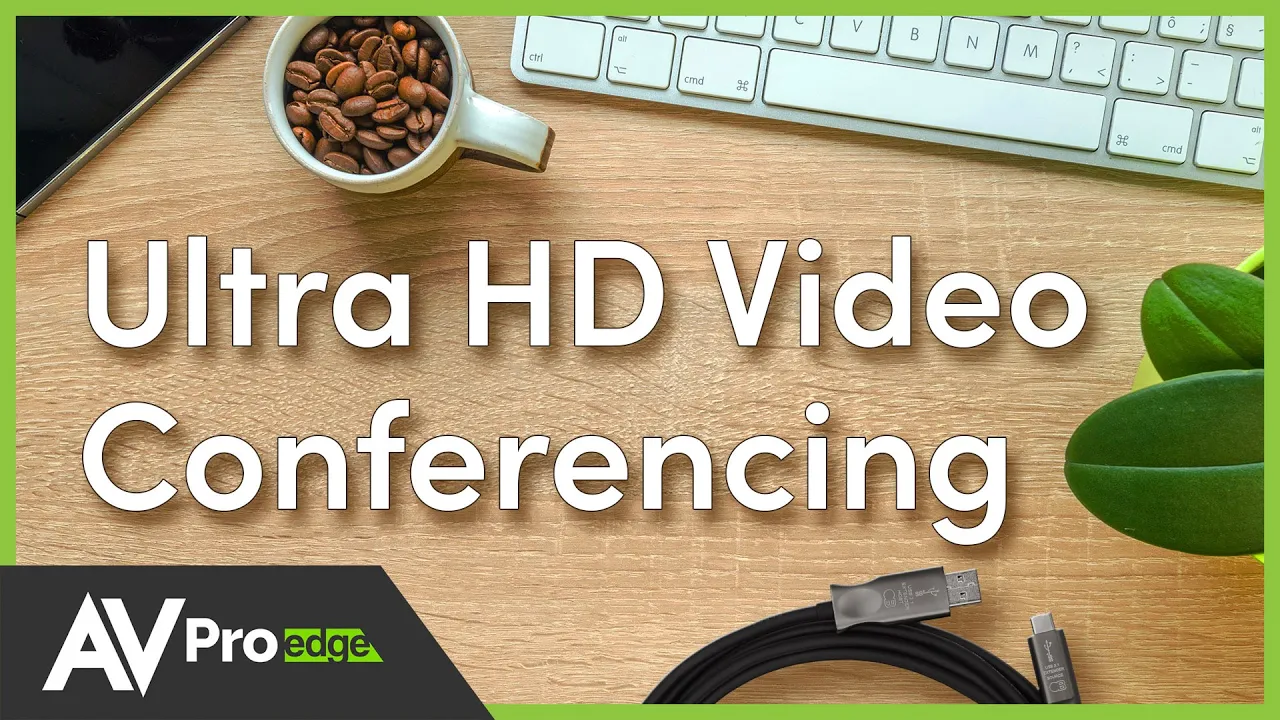
The wrong USB cable or slower internet speeds can prevent the highest quality results. This video will help address some of the basics of high-resolution video conferencing.

Do you want to have a higher-quality video for a video conference? How do you video conference at 4K? It's not as simple as it might seem. For example, using 4K webcams like the Logitech Brio requires the rest of your system to handle the ultra HD video resolution.

Take Away: Crucial components will help you deliver a good video conference, like a camera, cables, and an internet connection.

Previous Course

AVPro Basics: How to Extend HDMI Correctly

Next Course

Expert Audio Series with Anthony Grimani

Previous Course

AVPro Basics: How to Extend HDMI Correctly

Next Course

Expert Audio Series with Anthony Grimani

Previous Course

AVPro Basics: How to Extend HDMI Correctly

Next Course

Expert Audio Series with Anthony Grimani

thumb_up

It was helpful

thumb_down

It was not helpful

feedback

I have feedback

thumb_up

It was helpful

thumb_down

It was not helpful

feedback

I have feedback

thumb_up

Helpful

thumb_down

Not helpful

feedback

Feedback