

Vincent Bova
AVPro Training Content Manager
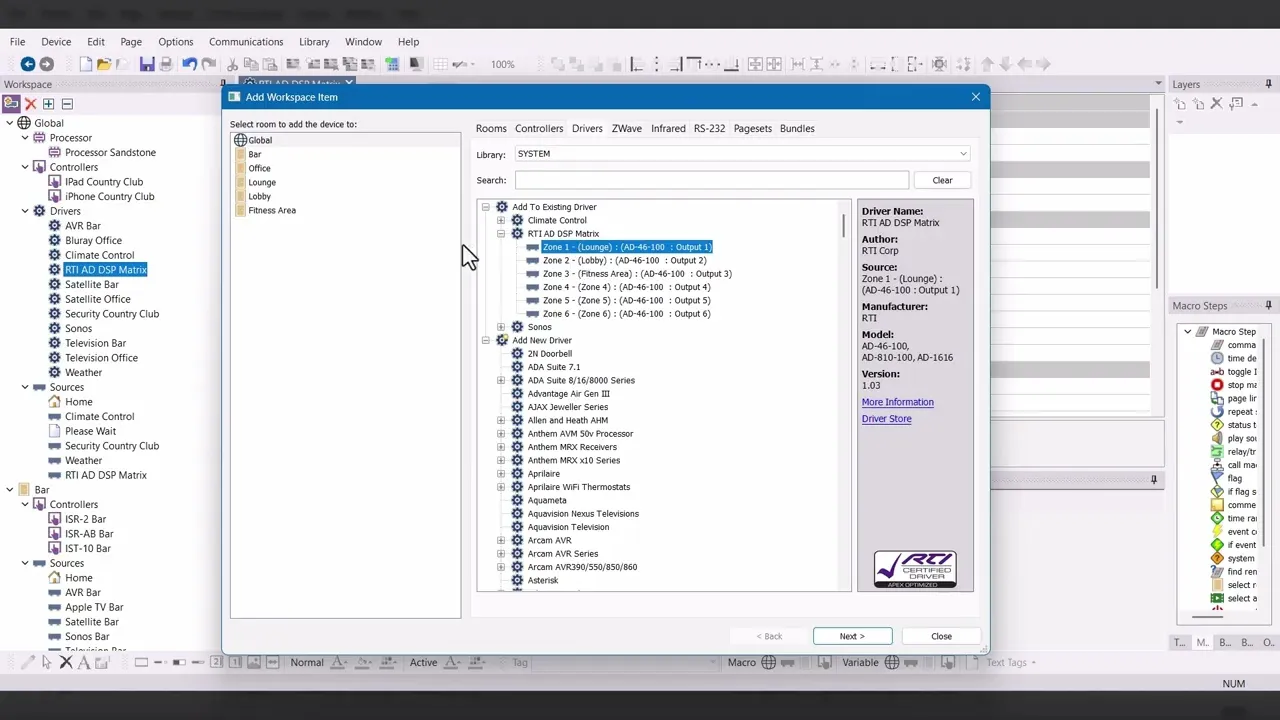
After configuring the RTI DSP, learn how to program complete audio distribution projects in Integration Designer, connecting sources, zones, and controls for seamless control and audio performance.
Next Steps
Thank you for your time and effort in completing the Integration Designer Core Training Course. Now that the course is complete, follow the steps below to achieve certification. If you have any questions, please reach out.
Finalize your project file by ensuring all required steps are complete. Use the workflow process covered in Course Six and make sure your project file is finalized before moving on to the next step.
Complete the quiz in the final course section by entering your name, dealer email, company name, and project information. The quiz may only be taken once, so proceed carefully. Once complete, the results will be available.
Once the quiz is complete, submit your project file for review. All quiz submissions must include a project file. After we review, you will receive feedback or certification. This process can take up to 3 business days to complete.