
Search courses...

RTI In-Person St. Petersburg Training

Integration Designer 12

Weekly Live Webinar Trainings

Legacy Training

Integration Designer 11 Based Trainings

Course 10

RTI Core Training

Design the Interface, Part 1

Design the Interface, Part 1

Vincent Bova

Training Content Manager

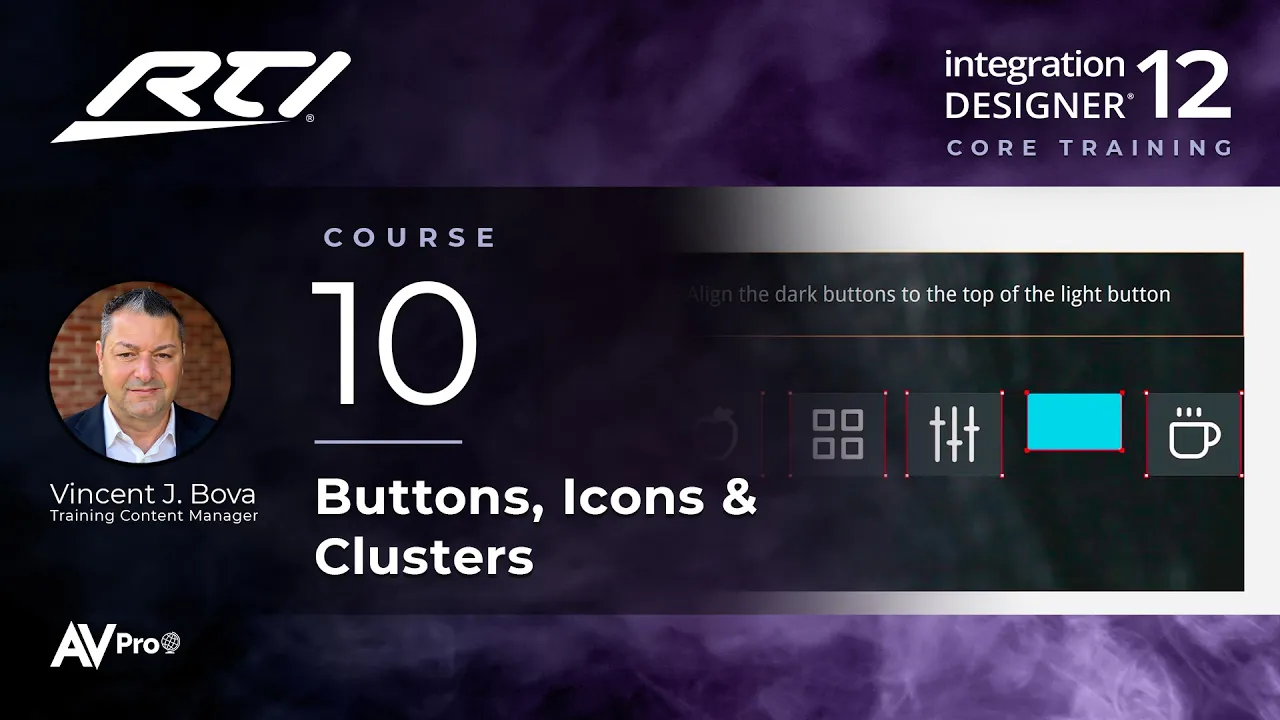
Every Integration Designer page is built from buttons and icons. Part 1 covers two-state buttons, embedding icons, aligning and distributing buttons, button grouping and viewports, Button Properties, editing graphics in your image editor, and saving Button Clusters to reuse.

Resources

Graphics Exercise File.id

Topics covered:

  • Two-state buttons: normal and reversed (active), finding them in the library, and resizing them

  • Touring the image library and its badges

  • Default vs. custom page backgrounds

  • Aligning, spacing, and distributing buttons

  • Button Properties: text alignment, icon alignment, and padding

  • Embedding icons, making icons into buttons, and drawing your own buttons

  • Button grouping, Button Clusters, and viewports

  • Editing an icon or button in your image editor

Next Steps

Proceed to Course 11

Previous Course

9.

Navigating the Workspace

Next Course

11.

Design the Interface, Part 2

Previous Course

9.

Navigating the Workspace

Next Course

11.

Design the Interface, Part 2

Previous Course

9.

Navigating the Workspace

Next Course

11.

Design the Interface, Part 2

thumb_up

It was helpful

thumb_down

It was not helpful

feedback

I have feedback

thumb_up

Helpful

thumb_down

Not helpful

feedback

Feedback

thumb_up

It was helpful

thumb_down

It was not helpful

feedback

I have feedback