
Search courses...

RTI In-Person St. Petersburg Training

Integration Designer 12

Weekly Live Webinar Trainings

Legacy Training

Integration Designer 11 Based Trainings

Course 5

RTI Core Training

Configuring Properties

Configuring Properties

Vincent Bova

Training Content Manager

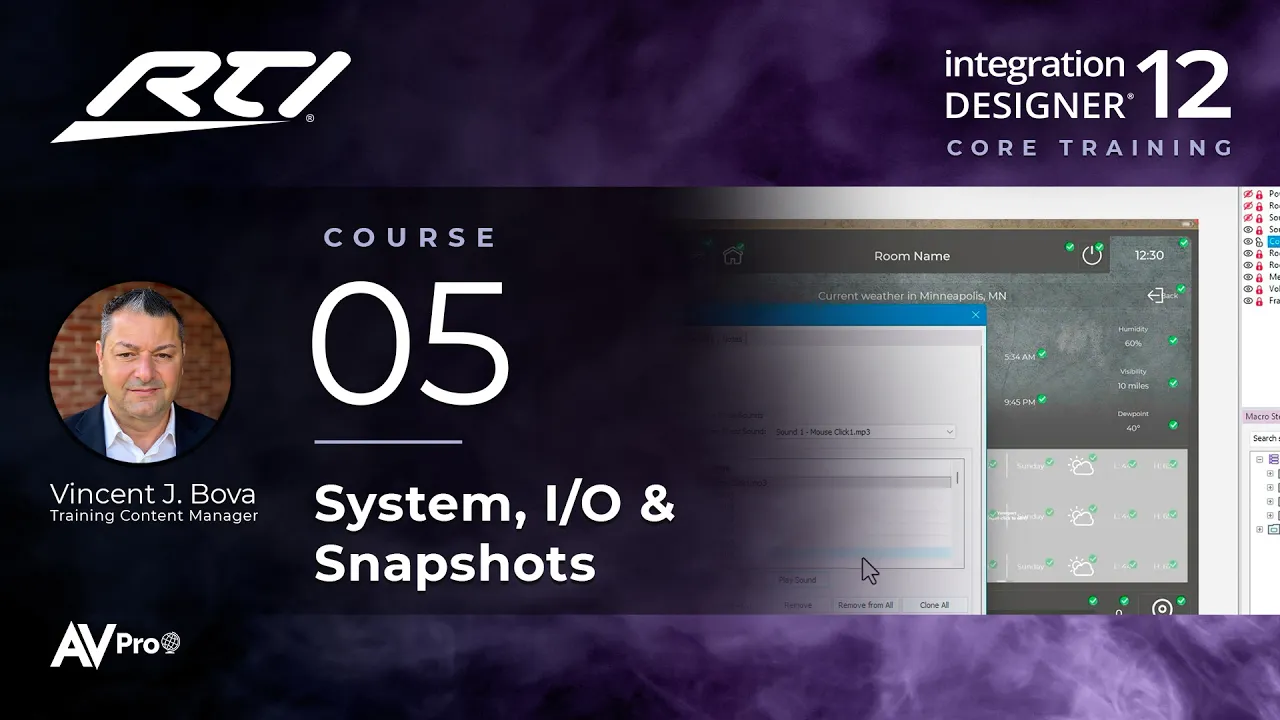
Tell Integration Designer 12 how the system works on site. This course shows how to add expansion devices, configures System, I/O, processor, driver, and controller properties for Cypress Landing, and steps back to review the workflow you'll follow on every project.

Resources

Integration Designer Workflow.pdf

Topics covered:

  • Adding expansion devices

  • Configuring System Properties, including remote access options

  • Configuring System I/O Ports and processor properties

  • Driver properties: DirecTV, the matrix, the thermostat, weather, and amp auto configuration

  • Controller properties: orientation, render mode, sounds, security, and VoIP intercom

  • Saving your progress with Session Snapshots

  • Reviewing the Integration Designer workflow

Next Steps

Proceed to Course 6

Previous Course

4.

Adding Devices

Next Course

6.

Driver Discovery & Authentication

Previous Course

4.

Adding Devices

Next Course

6.

Driver Discovery & Authentication

Previous Course

4.

Adding Devices

Next Course

6.

Driver Discovery & Authentication

thumb_up

It was helpful

thumb_down

It was not helpful

feedback

I have feedback

thumb_up

Helpful

thumb_down

Not helpful

feedback

Feedback

thumb_up

It was helpful

thumb_down

It was not helpful

feedback

I have feedback