
Search courses...

RTI In-Person St. Petersburg Training

Integration Designer 12

Weekly Live Webinar Trainings

Legacy Training

Integration Designer 11 Based Trainings

Course 12

RTI Core Training

Tags and Macro Levels

Tags and Macro Levels

Vincent Bova

Training Content Manager

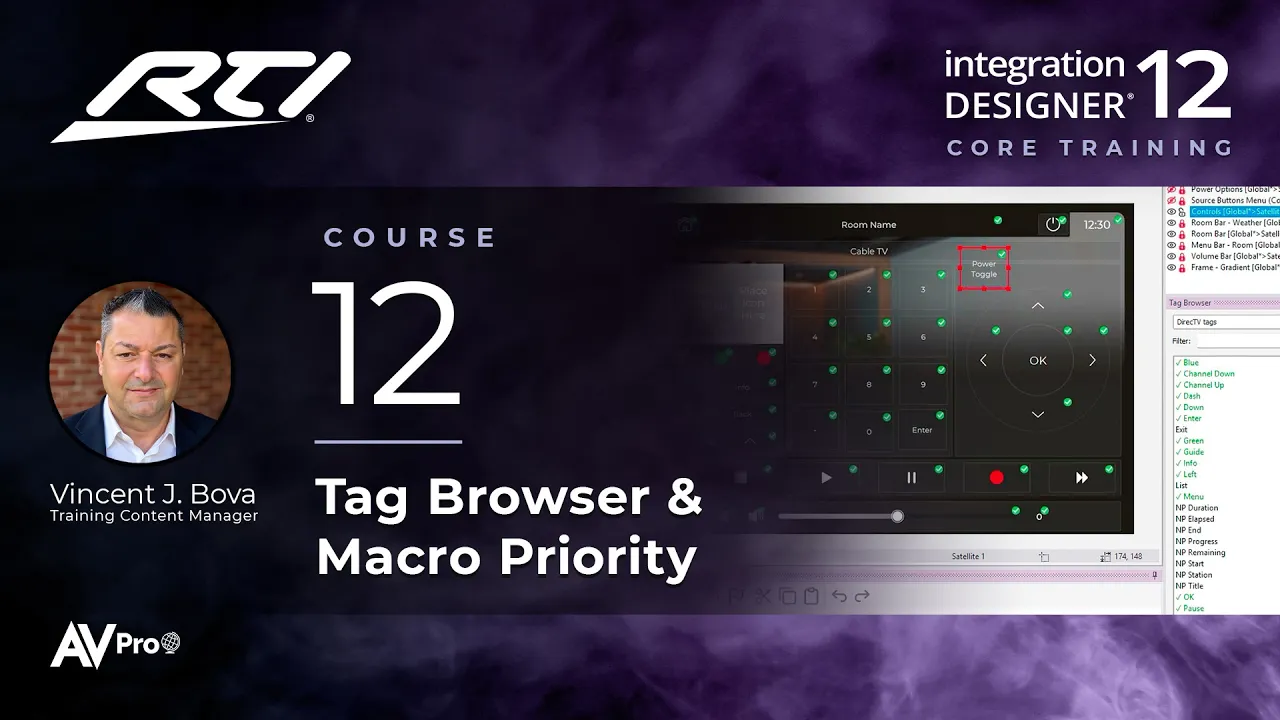
One of the most important lessons in the series. Tags connect every button in Integration Designer 12 to its commands and feedback, and macro levels decide where that programming lives. Together they power auto-programming and make every system easier to maintain.

Topics covered:

  • What tags are, and why every command and piece of feedback depends on them

  • How tags power auto-programming

  • The tag rules, and finding and applying tags with the Tag Browser

  • Fixing fallout and repurposing tags

  • Bringing tags in with Merge Pages and the Page Wizard

  • The four macro levels: Site-wide, Source, Area, and Controller

  • How macro level priority works, and choosing the right level for a command

Next Steps

Proceed to Course 13

Previous Course

11.

Design the Interface, Part 2

Next Course

13.

Feedback

Previous Course

11.

Design the Interface, Part 2

Next Course

13.

Feedback

Previous Course

11.

Design the Interface, Part 2

Next Course

13.

Feedback

thumb_up

It was helpful

thumb_down

It was not helpful

feedback

I have feedback

thumb_up

Helpful

thumb_down

Not helpful

feedback

Feedback

thumb_up

It was helpful

thumb_down

It was not helpful

feedback

I have feedback