
Search courses...

RTI In-Person St. Petersburg Training

Integration Designer 12

Weekly Live Webinar Trainings

Legacy Training

Integration Designer 11 Based Trainings

Course 11

RTI Core Training

Design the Interface, Part 2

Design the Interface, Part 2

Vincent Bova

Training Content Manager

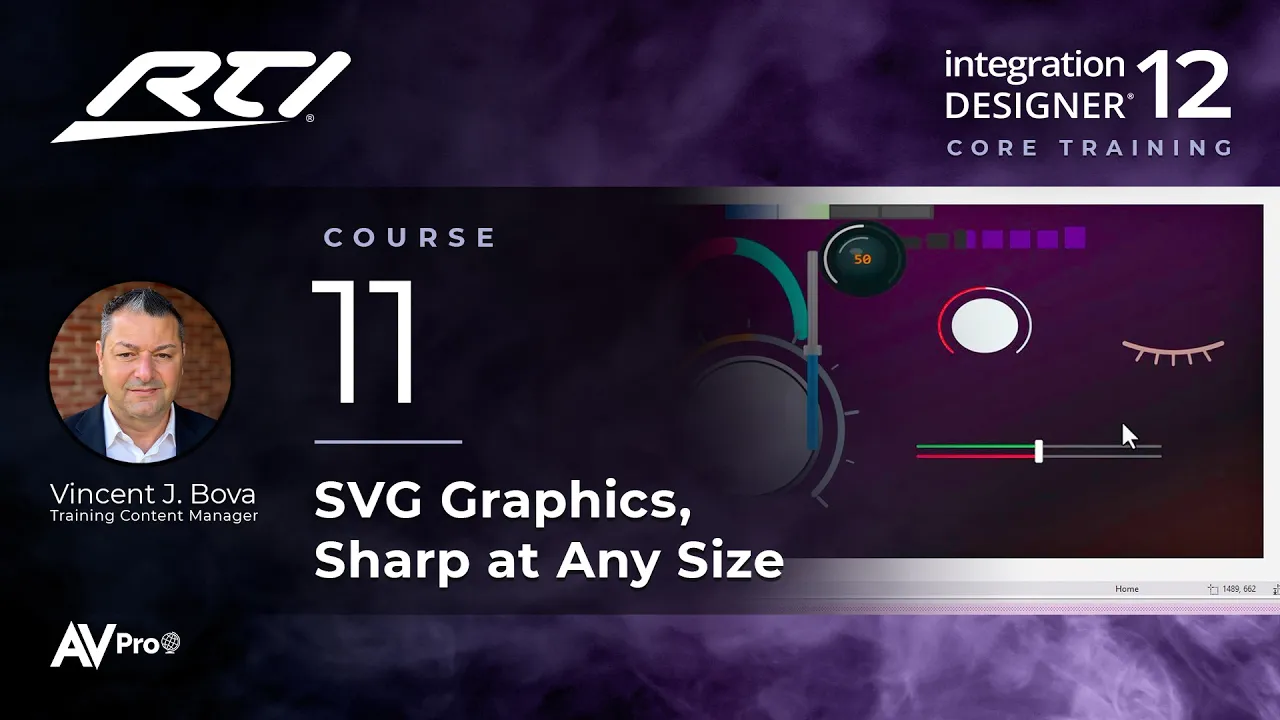
Part 2 is all about SVG, new in Integration Designer 12. Learn how SVG compares to PNG, tour the SVG libraries in the Images tab, recolor icons, and style sliders, toggles, gauges, knobs, and automation, color, lighting, and AV controls, then see a short showcase of an interface built from SVG.

Topics covered:

  • What makes SVG different, and how it compares to PNG

  • Setting an SVG editor and graphics preferences

  • A tour of the SVG libraries in the Images tab, and recoloring SVG icons

  • Styling sliders, toggles, gauges, and knobs

  • Automation, color, and lighting controls

  • AV control clusters, number pads, and navigation pads

  • Editing SVGs in an external editor, and Show Active Button State

  • A showcase of an all-SVG interface

Next Steps

Proceed to Course 12

Previous Course

10.

Design the Interface, Part 1

Next Course

12.

Tags and Macro Levels

Previous Course

10.

Design the Interface, Part 1

Next Course

12.

Tags and Macro Levels

Previous Course

10.

Design the Interface, Part 1

Next Course

12.

Tags and Macro Levels

thumb_up

It was helpful

thumb_down

It was not helpful

feedback

I have feedback

thumb_up

Helpful

thumb_down

Not helpful

feedback

Feedback

thumb_up

It was helpful

thumb_down

It was not helpful

feedback

I have feedback