
Search courses...

RTI In-Person St. Petersburg Training

Integration Designer 12

Weekly Live Webinar Trainings

Legacy Training

Integration Designer 11 Based Trainings

Course 18

RTI Core Training

Programming Button Menus

Programming Button Menus

Vincent Bova

Training Content Manager

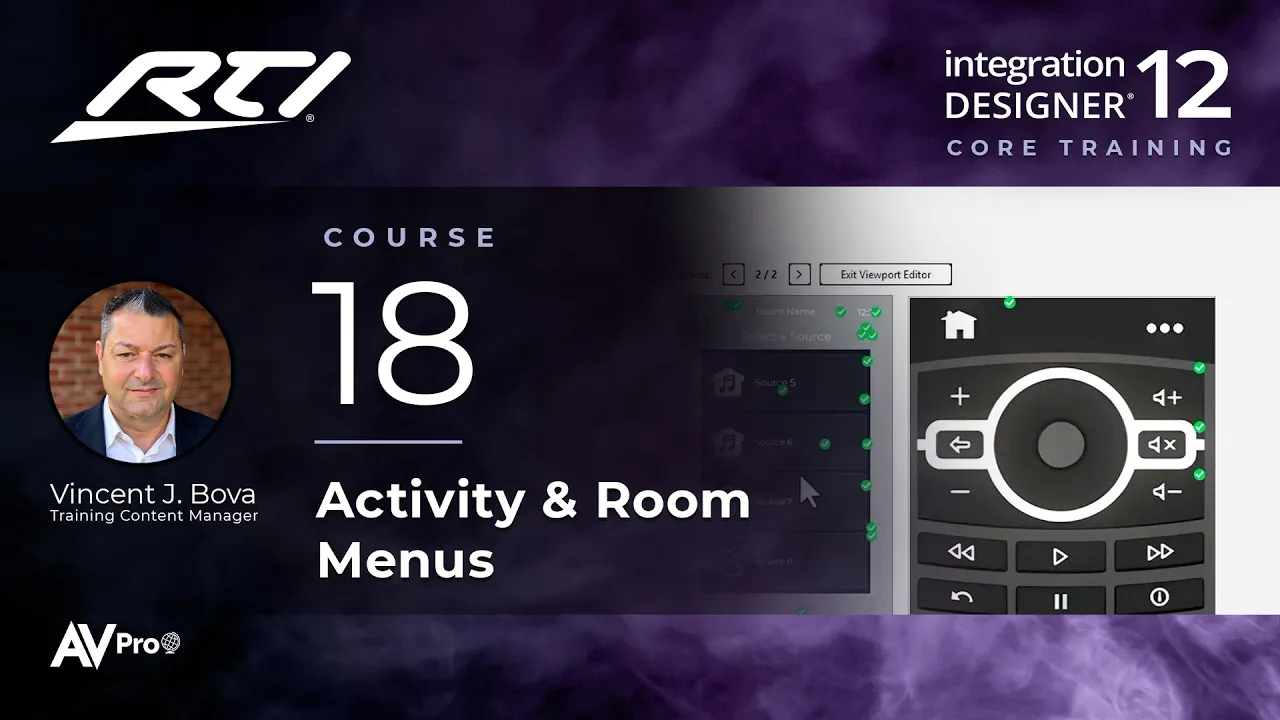
Build menus with a custom look. This Integration Designer 12 course covers button menus for activities and for room selection on multi-area controllers, how they compare with list menus, and how to auto-program a button with a pre-made tag.

Topics covered:

  • Button menus vs. list menus

  • Starting from placeholder buttons, adding your own icons and text

  • Dragging a pre-made tag to auto-program a button to run the centralized activity macros

  • Building button menus in viewports on local controllers like the ISR-4

  • Room selection menus and Select Area tags on multi-area controllers

  • Room-specific activity menus on multi-area controllers with Selected Room

  • The fast track: main menu functionality that's already inherited

Next Steps

Proceed to Course 19

Previous Course

17.

Flag Programming

Next Course

19.

Programming Macro Steps, Part 1

Previous Course

17.

Flag Programming

Next Course

19.

Programming Macro Steps, Part 1

Previous Course

17.

Flag Programming

Next Course

19.

Programming Macro Steps, Part 1

thumb_up

It was helpful

thumb_down

It was not helpful

feedback

I have feedback

thumb_up

Helpful

thumb_down

Not helpful

feedback

Feedback

thumb_up

It was helpful

thumb_down

It was not helpful

feedback

I have feedback