
Search courses...

RTI In-Person St. Petersburg Training

Integration Designer 12

Weekly Live Webinar Trainings

Legacy Training

Integration Designer 11 Based Trainings

Course 17

RTI Core Training

Flag Programming

Flag Programming

Vincent Bova

Training Content Manager

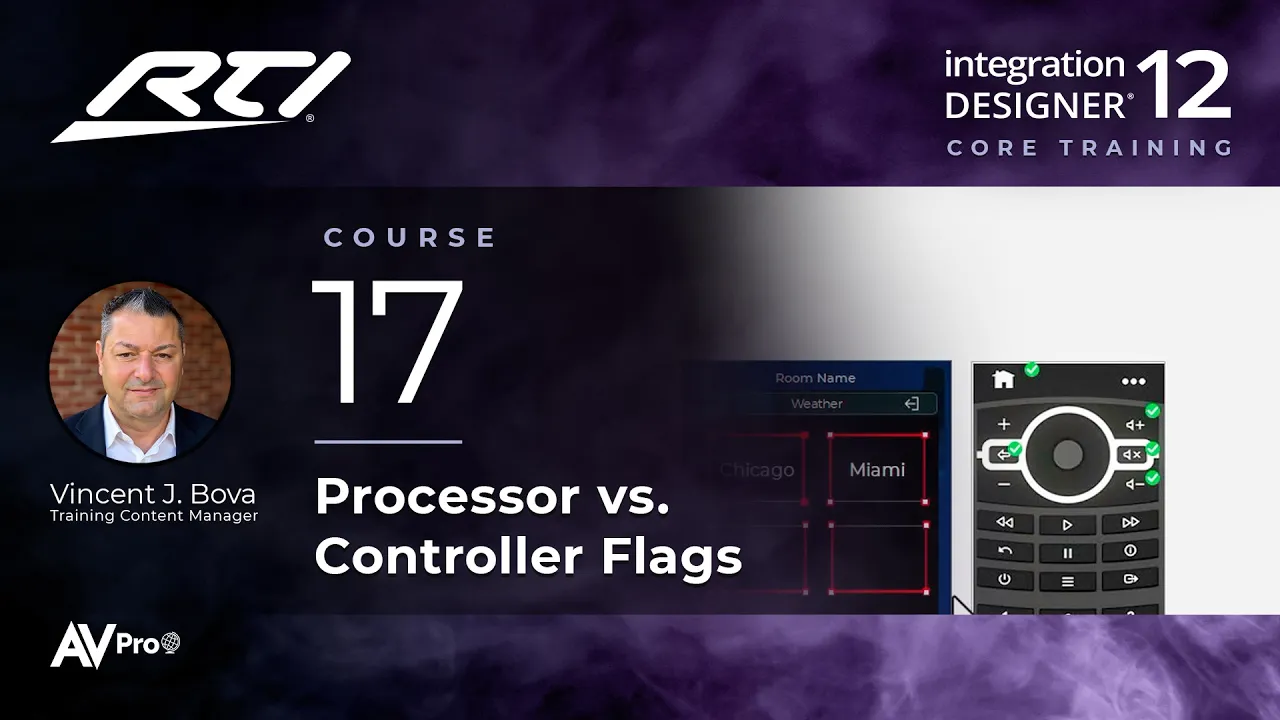
Flags are virtual switches for your programming. This Integration Designer 12 course explains what flags are, the difference between processor and controller flags, which current RTI controllers support standalone and local flags, and how to put flags to work.

Topics covered:

  • What a flag is: a virtual switch that is Set or Cleared

  • Processor flags vs. controller flags, and who knows each flag's status

  • Current RTI controllers that support standalone and local flags

  • The Flag, Toggle, and If Flag Set macro steps

  • Using flags to show and hide layers, track power status, and skip delays

  • Tips for using flags, and when a variable or driver is the better choice

Next Steps

Proceed to Course 18

Previous Course

16.

Working with Layers, Part 2

Next Course

18.

Programming Button Menus

Previous Course

16.

Working with Layers, Part 2

Next Course

18.

Programming Button Menus

Previous Course

16.

Working with Layers, Part 2

Next Course

18.

Programming Button Menus

thumb_up

It was helpful

thumb_down

It was not helpful

feedback

I have feedback

thumb_up

Helpful

thumb_down

Not helpful

feedback

Feedback

thumb_up

It was helpful

thumb_down

It was not helpful

feedback

I have feedback