

Vincent Bova
Training Content Manager
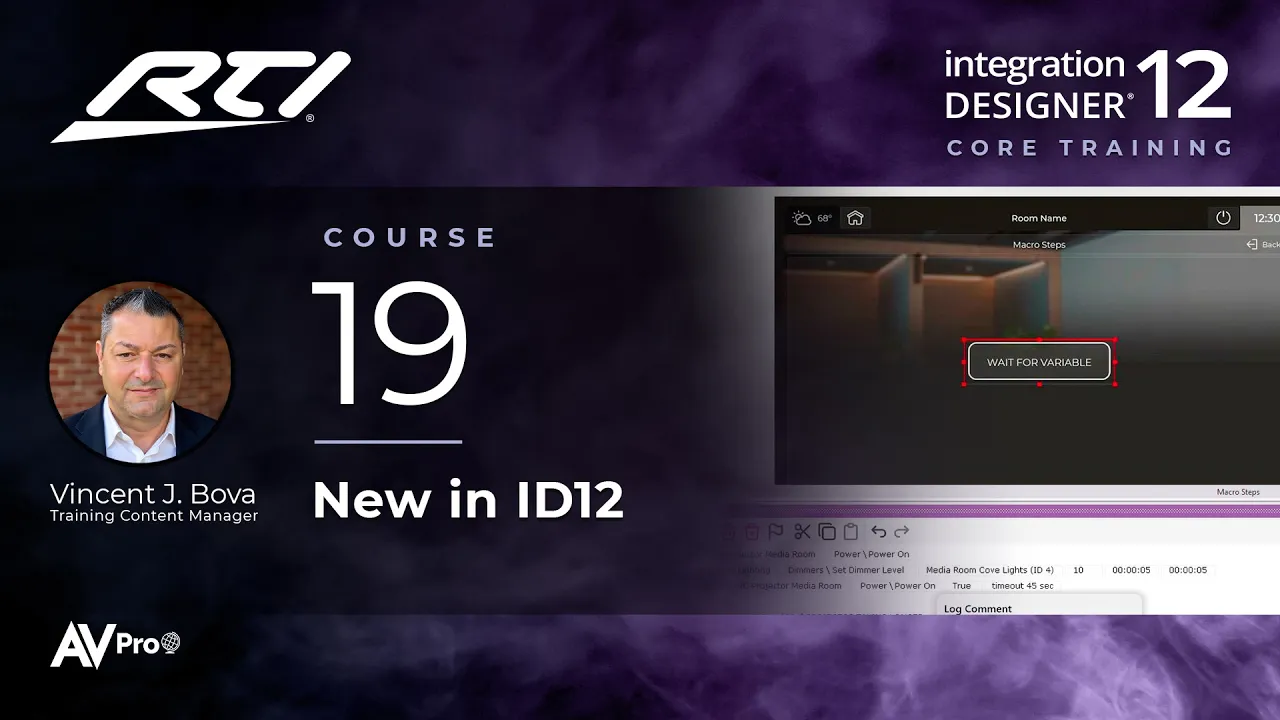
Learn the macro steps that are new or changed in Integration Designer 12 and how to use each one in a real programming scenario, from Repeat and Retry commands to waiting on a sensor or variable instead of guessing at delays, with flags, sounds, and processor logs to handle failures.
Topics covered:
Comment, and the new Log to Processor option
Repeat command: improving the odds with one-way devices like IR
Retry command: checking feedback and resending only when needed
Wait for sensor: confirming a device with a sense input, like a garage door
Wait for variable: replacing guessed delays with real feedback
While variable: repeating steps while a variable stays true, with a safety limit
Run and wait for variable: doing the work and the waiting in one block
Next Steps
Proceed to Course 20